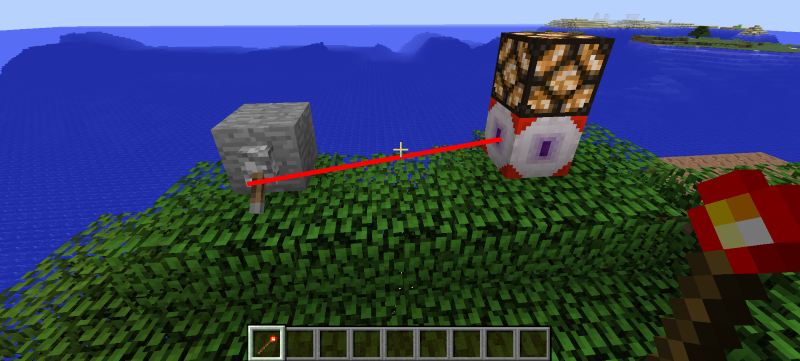
Redstone Observer
Description
The Redstone Observer emits redstone based on whether the block it's linked to emits redstone. To specify the target of a redstone observer you have to use a Redstone Tool. First right click on the redstone observer and then on the block you want to link it to. While holding a Redstone Tool you are able to see these connections as red lines as long as you are close to the block the observer is linked to.
The Redstone Observer will only emit redstone once the target is loaded.
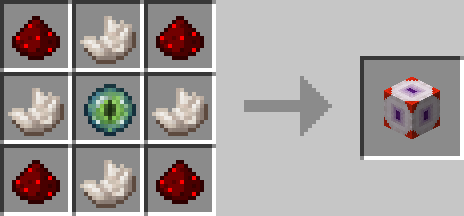
Crafting
Screenshots